Built for real job sites. The full KLOKIO app is coming to the App Store. Launch details
The iPhone app

See the app you’ll actually use.

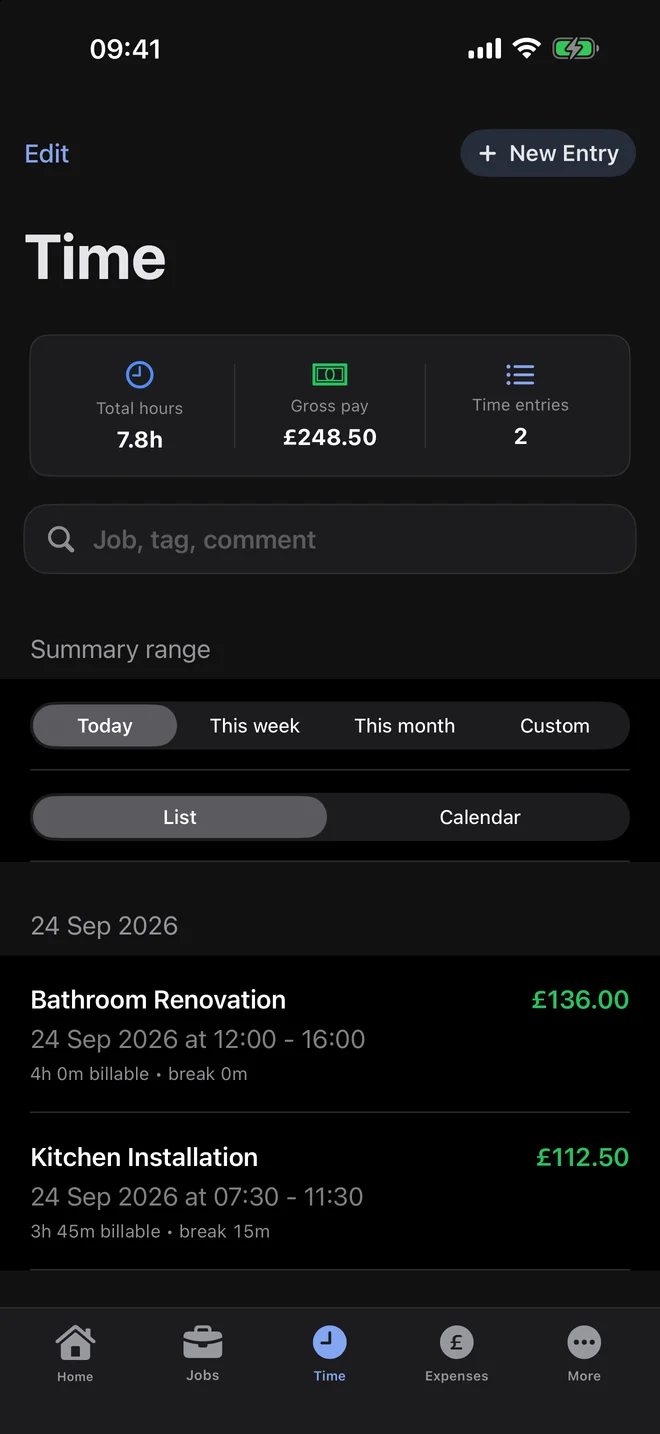
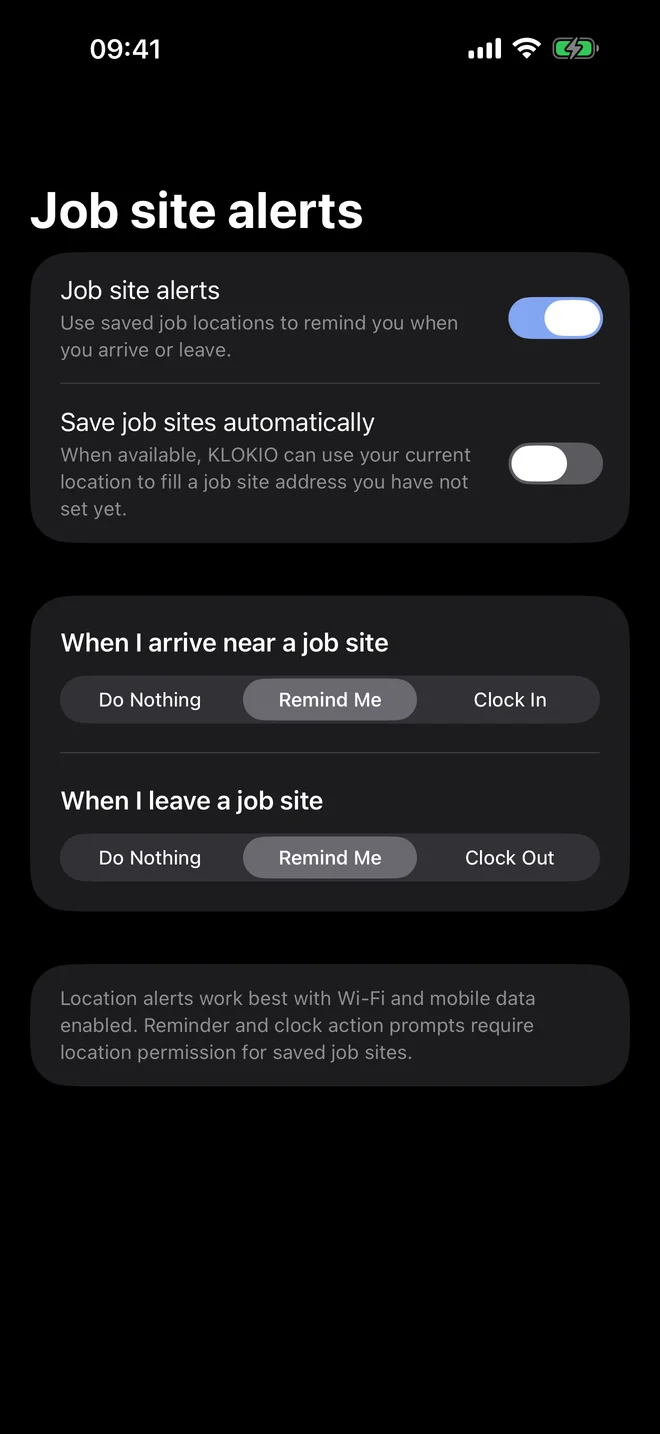
These are genuine screens captured from KLOKIO for iPhone—not fictional App Store artwork. Every status bar is fixed at 09:41 for consistency.

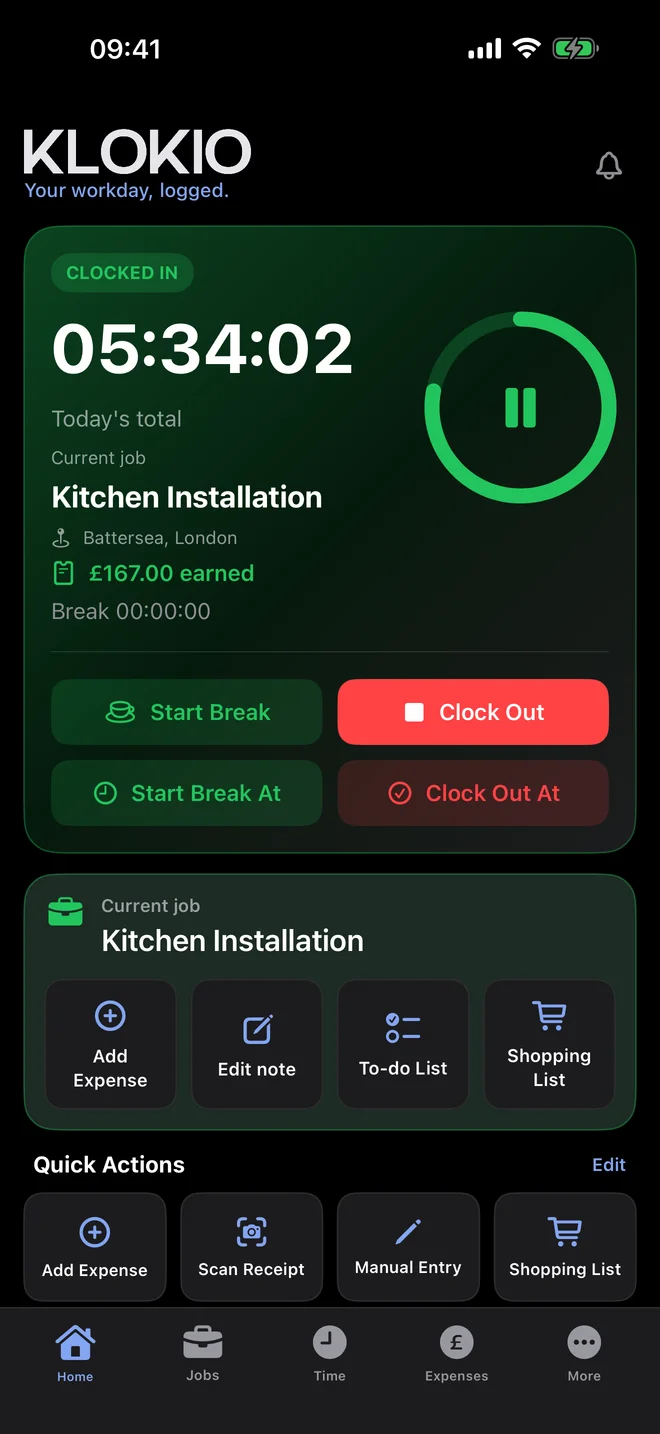
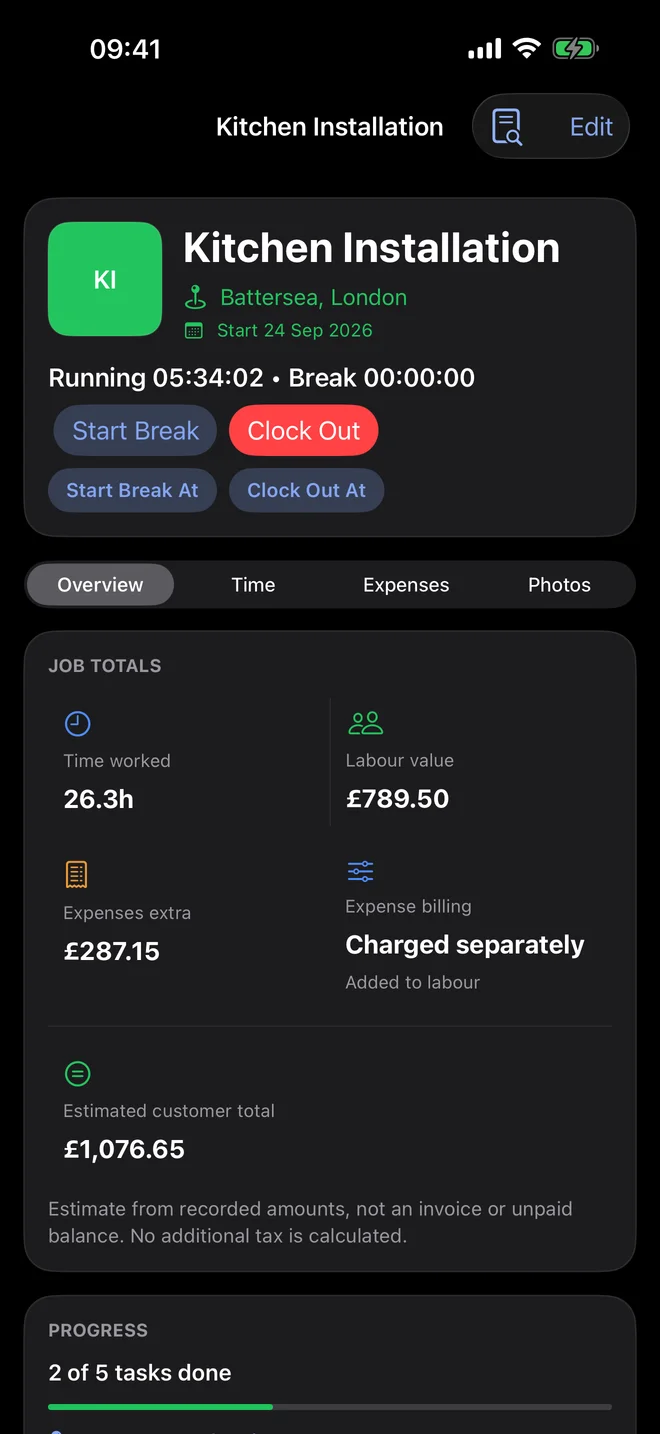
KLOKIO running timer dashboard at 09:41
Run the job timerClock in, take a break, clock out and see the job’s running totals.
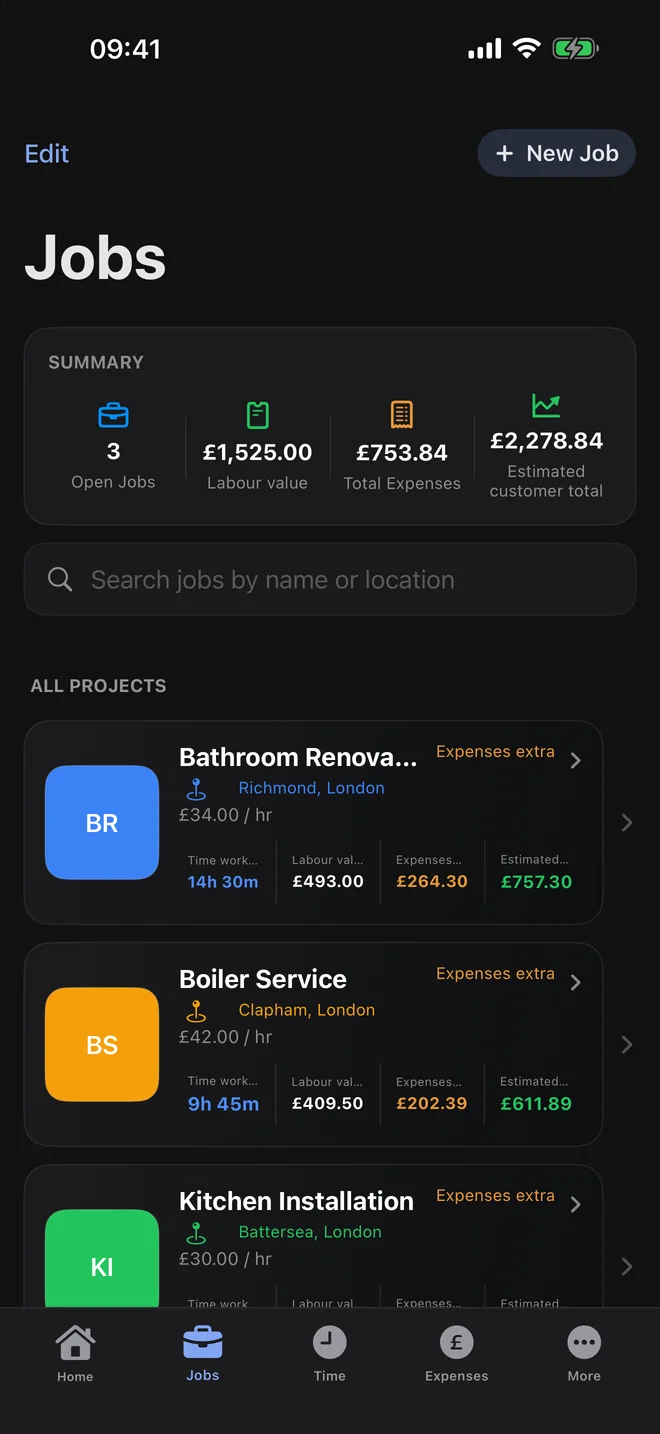
KLOKIO jobs overview at 09:41
Keep jobs organisedSee open jobs, location, hours, revenue, costs and estimated profit.
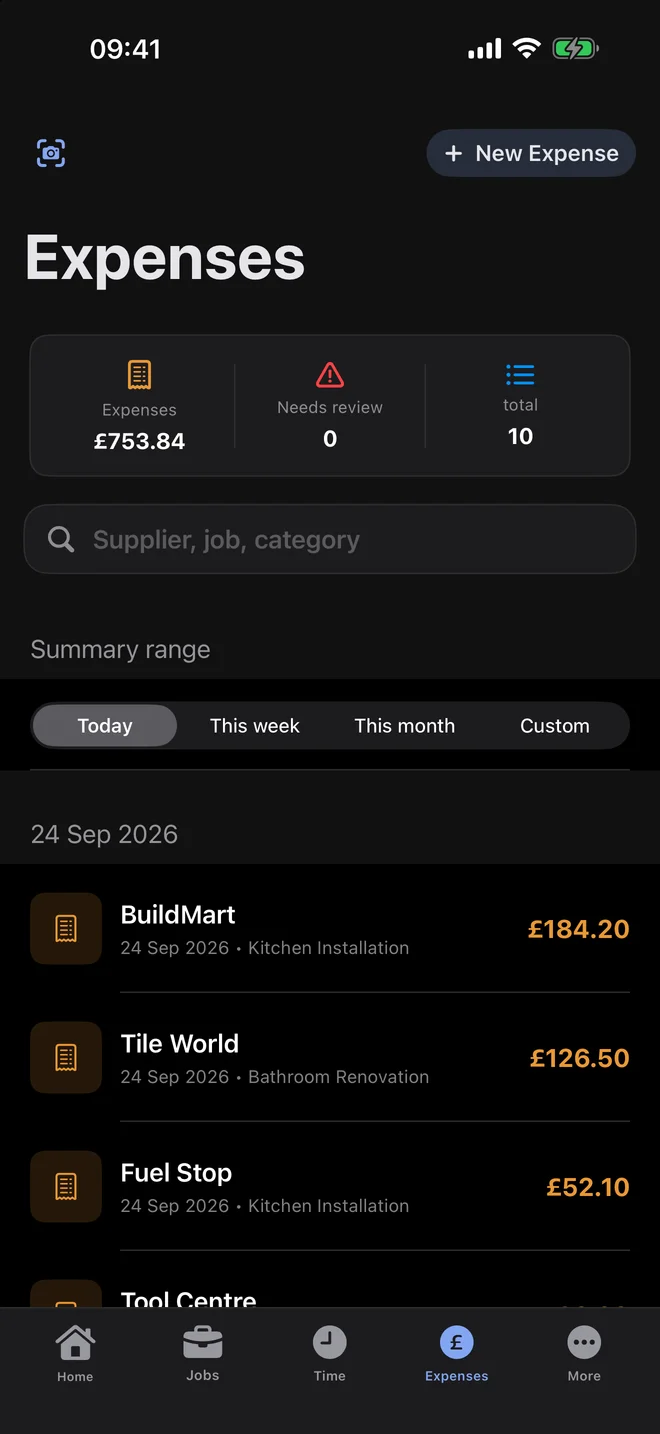
KLOKIO expenses overview at 09:41
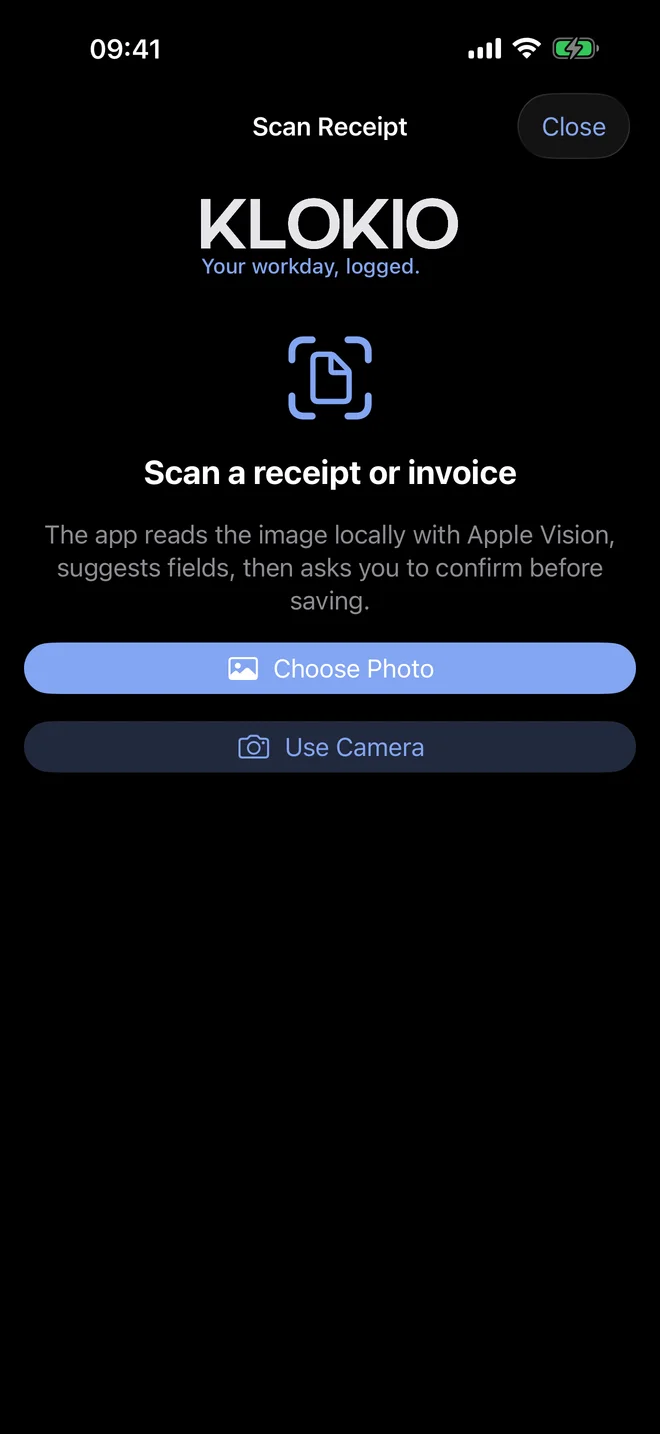
Capture every costRecord supplier, category, VAT and receipt information.
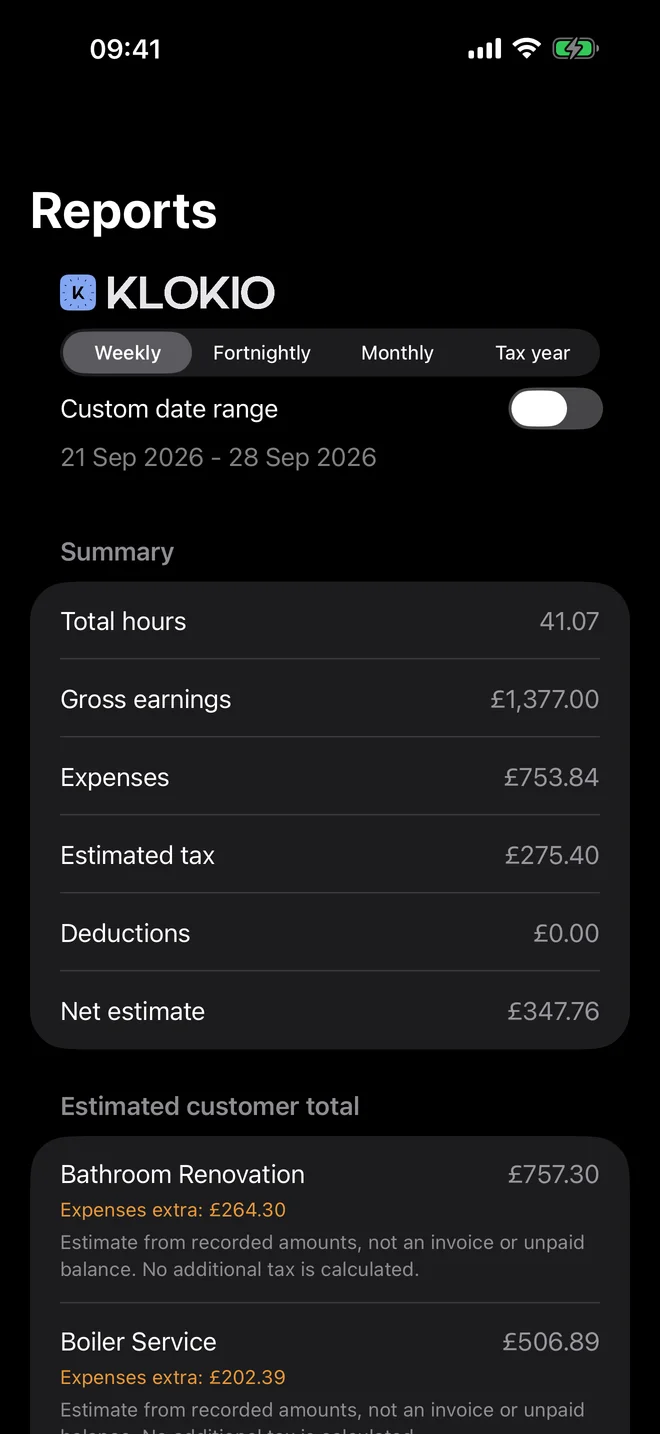
KLOKIO reports overview at 09:41
Review the resultSee hours, earnings, expenses, tax estimates and the job breakdown.

From workday to usable record

1. Create the job

Add the job name, location, hourly rate, tags, rounding, break and pay-period rules.

2. Record the work

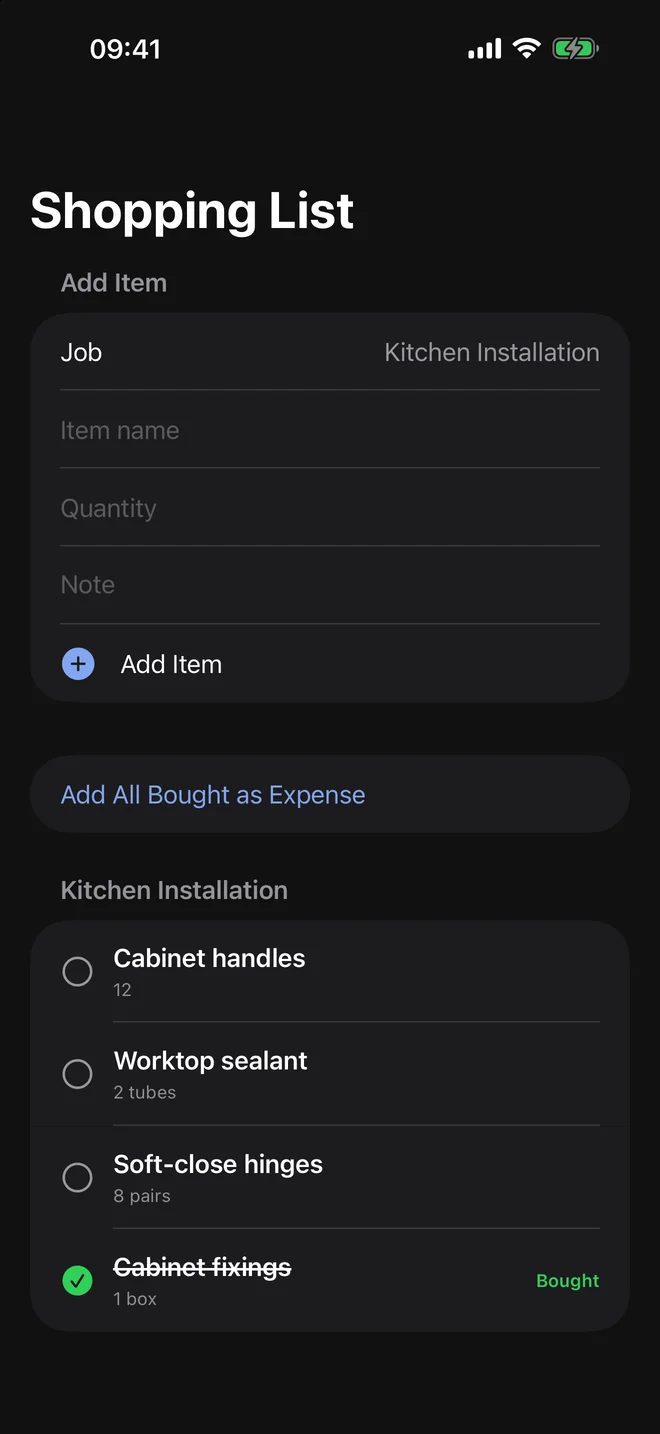
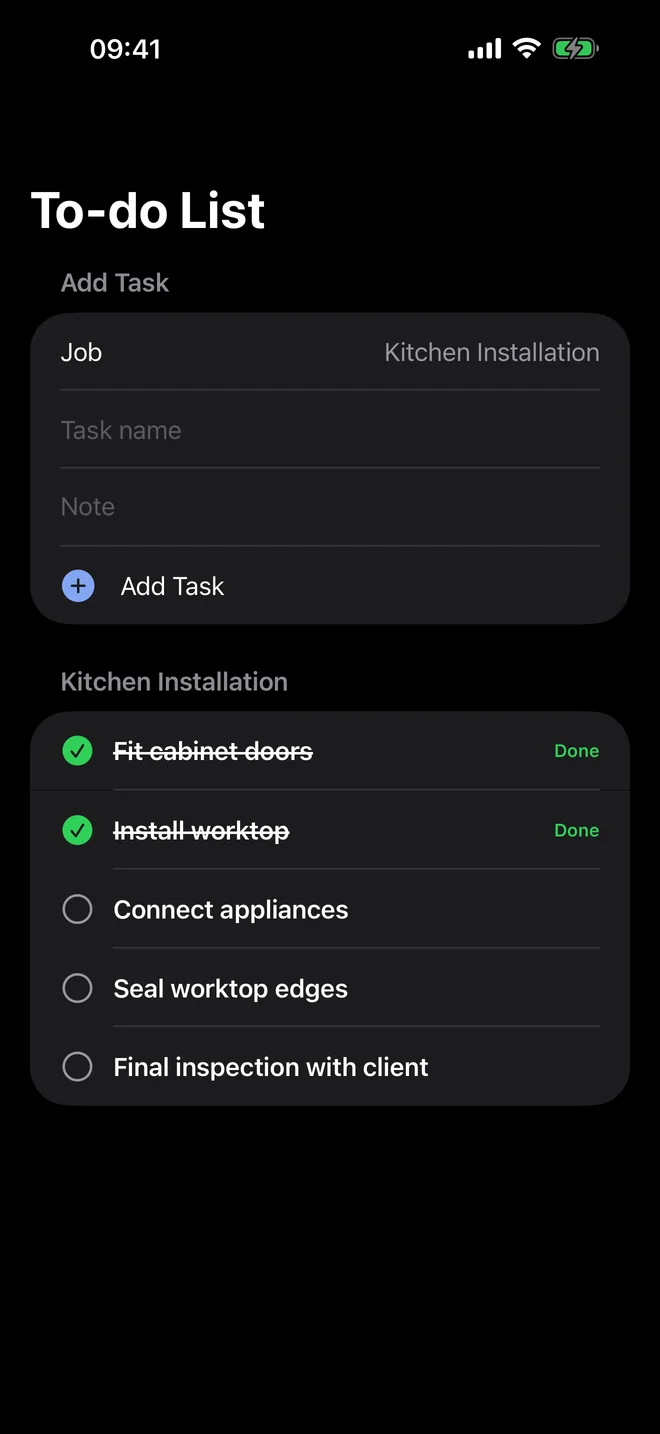
Track time, manual entries, breaks, expenses, receipts, tasks, shopping items and notes.

3. Export the result

Review hours, earnings, expenses, tax estimates and job profit, then export PDF, CSV or text.

Feature guides

Time tracking and corrections →Timers, manual entries, breaks and editing mistakes without losing the record.Expenses and receipt scanning →Manual costs, images and OCR suggestions that you review before saving.Reports and profitability →How hours, rates, expenses, tax and deductions become a useful job summary.Offline use and privacy →What works without signal and which optional features need a connection.